
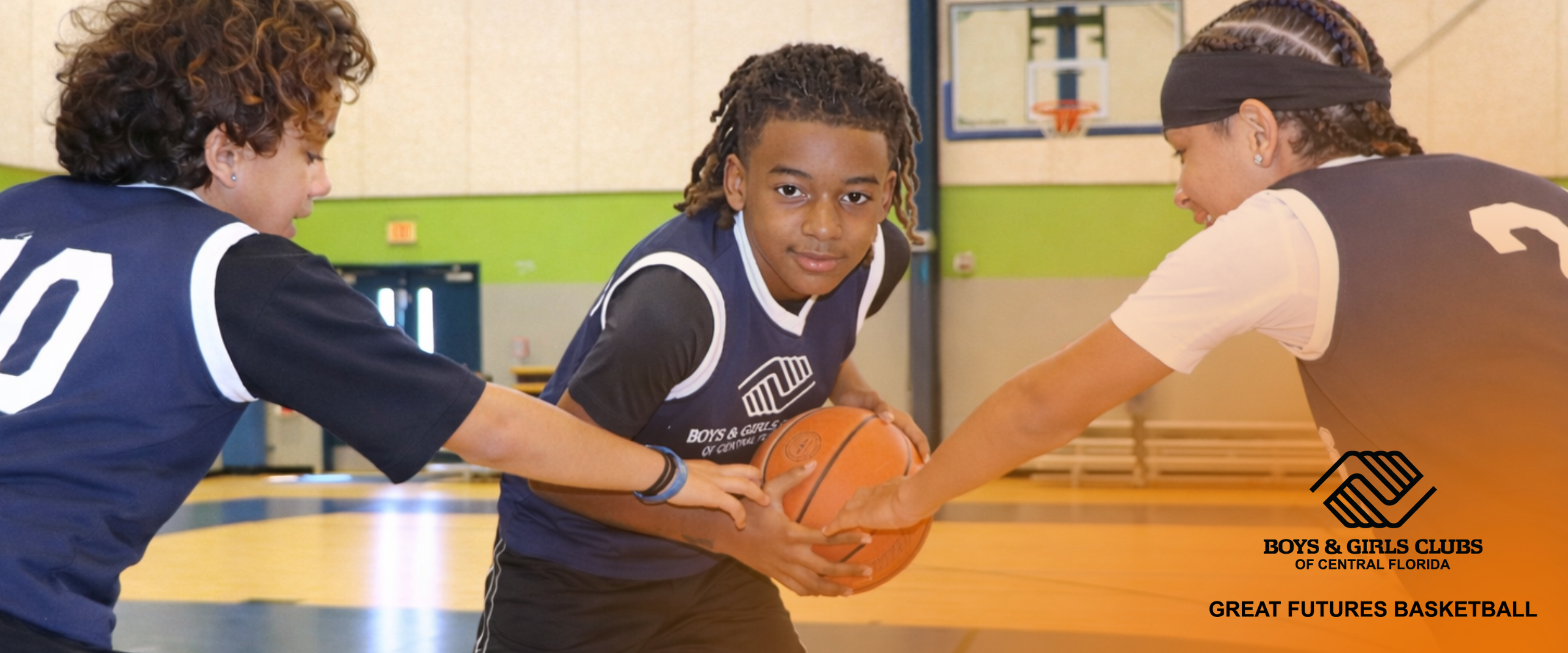
Youth Basketball Camp
Serving ages 6-12
Monday – Friday | 9 a.m. – 4 p.m.
Extended before and after care available for +$50 each
Only $200 (Discount for current Club members. Ask your Club for more information.)
Price includes lunch and camp tee shirt.
For questions or help with registration, email us at clubsupport@bgccf.org.
Basic Skill-development | Positive Mentorship | Engaging Curriculum | Affordable Programming | Safe Environment
Boys & Girls Clubs of Central Florida is launching its first-ever Basketball Camp, offering youth ages 6–12 a fun, safe, and structured environment to build skills both on and off the court.
Held at select Club locations in our state-of-the-art, full-court gymnasiums, this full-day camp provides basketball instruction, team-building activities, and mentorship from trusted adult leaders — all at an affordable cost for families.
More than just a camp, this experience helps youth build the confidence, character, and sense of belonging that define the Boys & Girls Club experience. With limited spots available at each location, families are encouraged to register early.
June 15-19 West Orlando
Universal Orlando Foundation Branch
5055 Raleigh Street, Orlando
(407) 298-0680
June 22-26 Downtown Orlando - Parramore
Levy-Hughes Clubhouse
712 W Amelia St, Orlando
(407) 250-6225
June 29-July 3 Pine Hills
Walt Disney World Clubhouse
5211 Hernandes Drive, Orlando
(954) 817-7327
July 13-17 Eatonville
Joe R. Lee Branch
400b Ruffel Street, Eatonville
(407) 599-3771
July 20-24 Kissimmee
Tupperware Brands Branch
2411 Dyer Blvd, Kissimmee
(407) 847-2833
August 3-7 West Lakes
Bradley-Otis Family Branch
700 South Lakeland Avenue, Orlando
(407) 398-1707
Registration Instructions
Boys & Girls Clubs of Central Florida (BGCCF) looks forward to serving your family. Please note that all parents will need to complete registration for their child(ren) to participate in our sports programming. Registration is required in advance of participation. If you have any questions or want to confirm registration, please email us at clubsupport@bgccf.org.
Step 1: New or Returning Families
Returning Families
If your child(ren) is already registered for the current year, click here to log in.
New Members
We recommend using the Google Chrome browser when accessing My ClubHub.
Creating an Account
- Visit our Parent Portal.
- Select “Create Account.”
- Enter your parent/guardian information first (not your child’s).
- Click “Submit.”
- An email will be sent to the email address entered. Check your spam or junk folder if you do not see it in the inbox. Follow the link in that email to set up your account password.
- Return to the Parent Portal and log in using your email and your new password.
- When you are logged into your account, add each child who is participating in programming by selecting “Add Household Member“.
Step 2: Register for Camp
Registering for Camp (New & Returning Families)
- Log into the Parent Portal here.
- Click “Programs” on the top navigation bar.
- In the left navigation panel, find “Categories” and select “Sports Leagues.“
- In the same left navigation panel, under “Programs,” select “Basketball League.“
- Find your desired camp location/date and select “Enroll.“
- Select the child(ren) you are enrolling (previously added to your household) and click “Save.“
- Click “Next.“
- Fill out the Camper questionnaire.
- Click “Next.“
- Review & sign all listed waivers.
- Click “Next.“
- Review your summary.
- Click “Next.“
- Add payment information and process the charge.
If you receive an error message or have an issue with registration, please email us at clubsupport@bgccf.org.